 StrideAuth
Password manager for individuals, families, and small teams
One secure place for your passwords and important account information.
Keep passwords, passkeys, authenticator codes, recovery codes, and shared accounts organized and available to the right people, without leaving them in browsers, notes, chats, or spreadsheets.
Start for yourself. Add family or teammates when you need to.

How StrideAuth protects your vault
- Encrypted before storage Vault contents are encrypted in your browser before they are stored.
- Plaintext stays off the server The service stores encrypted vault contents, not plaintext item fields.
- Recovery stays in your hands An email password reset alone cannot decrypt your existing vault.
Start with your own vault. Share when others depend on it.
Important credentials often begin with one person. Later, a partner, household, project, or company may depend on them. StrideAuth gives separate spaces for personal, household, and work credentials without making you start over.
-
For yourself
Keep your passwords and recovery details together
Store passwords, authenticator codes, recovery information, cards, and private notes in a vault that belongs to you.
Explore StrideAuth for individuals -
For your family
Share the accounts your household uses
Make Wi-Fi, subscriptions, services, and emergency information available without exposing everything in your personal vault.
Explore StrideAuth for families -
For your team
Keep shared business logins in one place
Move business logins out of chats and spreadsheets, with clearer ownership as teammates join or leave.
Explore StrideAuth for small teams
No scavenger hunt across browsers, notes, old phones, group chats, and whoever happened to set up the account.
Keep personal credentials private and shared accounts organized.
Your private vault is yours. Family and team spaces hold only the credentials other people depend on, so sharing is a choice rather than the default.
- Private by default
- Shared with the people you choose
- Remove access when it’s no longer needed
How spaces work
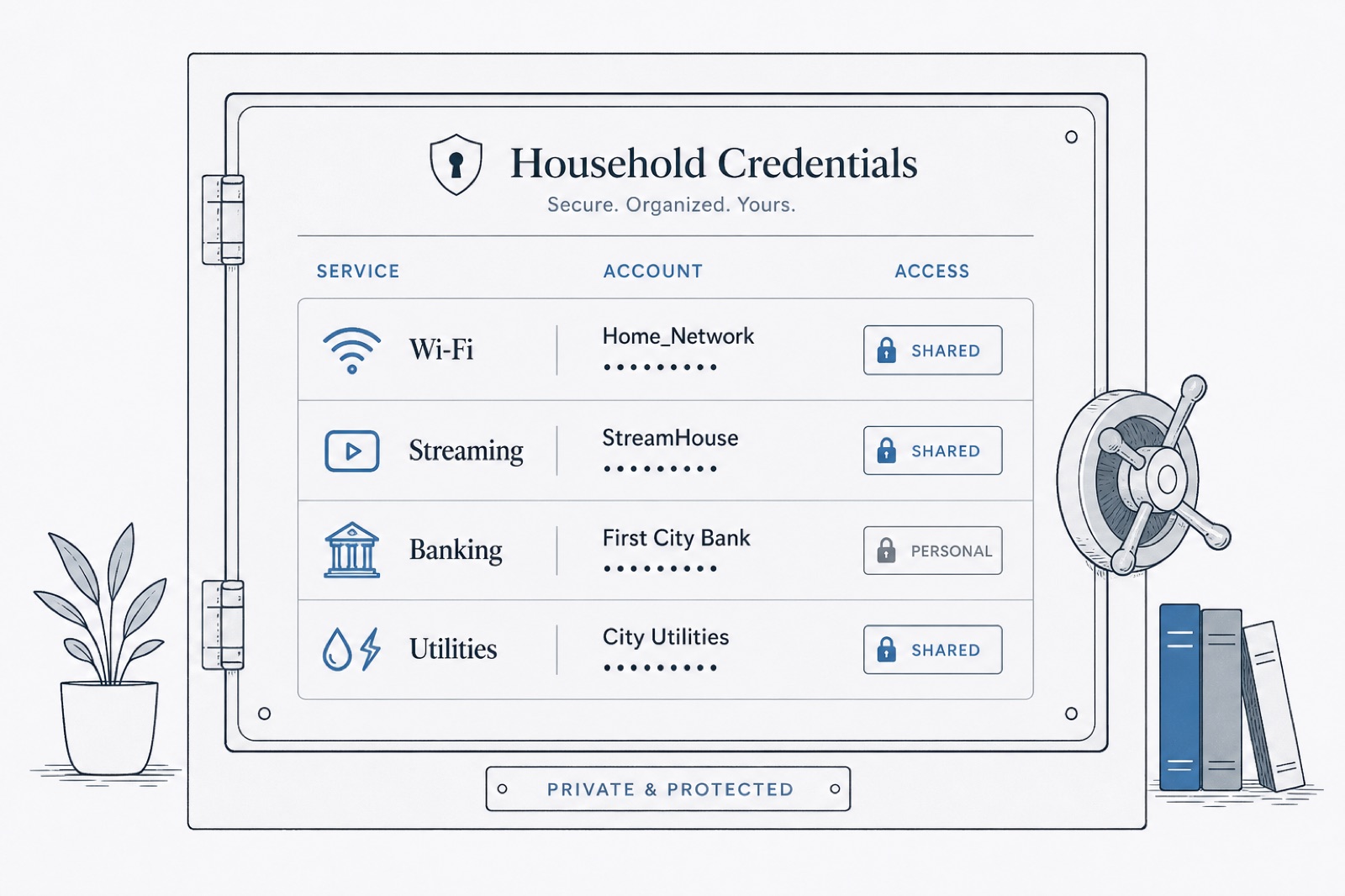
More than passwords belong in your vault.
Sign-ins are only part of the access you need to protect. Keep the codes and information that help you verify an identity, recover an account, or give trusted people access when they need it.
- Passwords and passkeys
- Authenticator codes
- Recovery codes
- Shared logins
- Wi-Fi and device passwords
- Secure notes
Start with the accounts you use most.
-
Create your private vault
Add the passwords, codes, and notes that matter to you.
-
Keep personal, household, and work credentials separate
Organize personal, household, and work credentials without mixing ownership.
-
Share only with the people who need access
Give family or teammates access only where it belongs.
Start with your own vault. Add family or teammates when you need to share.
Create your free vault