 StrideAuth
The sticky-note problem in a small shop
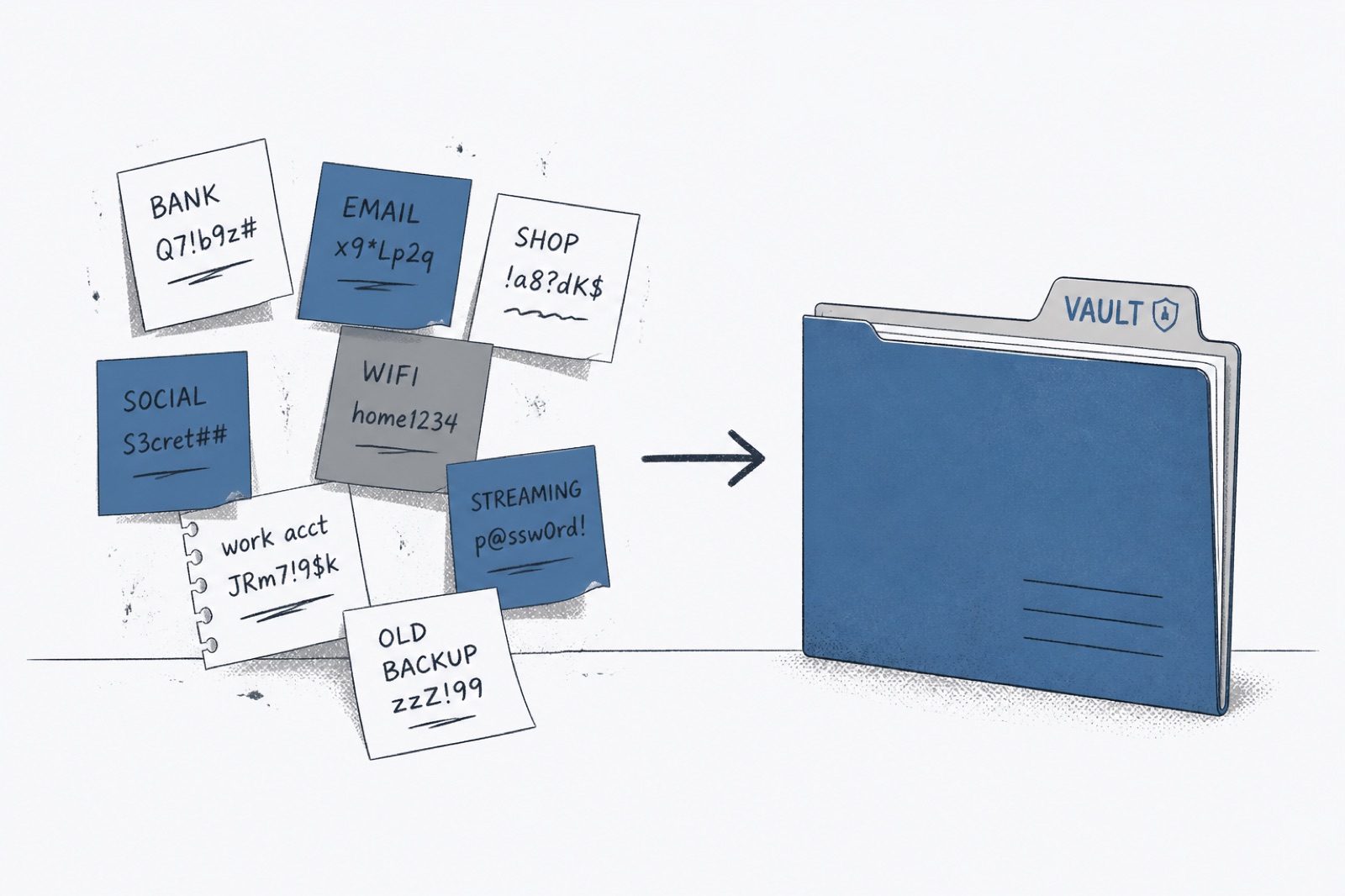
Walk through enough small shops and you will find the same artifacts: a sticky note on a monitor, a notebook under the counter, a spreadsheet titled “passwords final FINAL.” People joke about it. The joke is doing real work.
Sticky notes persist because they are honest about the job. Someone needs the POS login during a rush. Looking at a yellow square is faster than calling the owner. Any replacement has to respect that speed, or the note returns by Monday.
Why sticky notes feel reliable
They are visible. They do not require another login. They work when the internet is flaky. For a busy counter, that feels like resilience.
They also cannot tell you who photocopied the note, cannot update every copy when the password changes, and cannot remove access when a seasonal hire finishes. The note is a broadcast. Broadcasts are bad vaults.
Spreadsheets are sticky notes with columns
A shared Google Sheet of business passwords is easier to search and still terrible at revoke. Anyone with the link has the whole list. Download a copy and the “source of truth” multiplies. Former staff may still have the file in email.
Spreadsheets also encourage one giant list with no personal/company boundary. That is convenient for the person who built it and risky for everyone else.
Replace the note, keep the speed
The replacement has to be as fast as glancing at a monitor: unlock the phone or browser extension, find “POS admin,” fill or copy. If finding the login takes longer than reading the sticky note, the sticky note wins again by Friday.
Put the handful of counter passwords in a shared business space first. Train people once. Then peel the notes off the monitors. Leave a short reminder nearby if you need it: “Passwords are in StrideAuth — Company.”
Business password security without theater
Small shops do not need a binder of policies. They need shared logins that current staff can reach and former staff cannot. Sticky notes and spreadsheets fail that test. A simple vault with revoke passes it.
What to migrate first behind the counter
Start with the three to five logins staff ask for during a shift. POS admin, shared inbox, scheduling tool, store Wi-Fi for devices, maybe the delivery tablet account. Get those into a shared business space and make sure every shift lead can open them.
Leave obscure annual logins for later. Counter speed is the adoption test. If the busy path works, the rest of the inventory will follow when someone needs it.
Owners still need a personal vault
The owner’s personal banking should not live on the same sticky note as the POS password — and it should not live in the staff vault either. One product with two spaces keeps the shop running without exposing the owner’s private accounts.
Explore how StrideAuth works for small teams.
StrideAuth is a credential manager for individuals, families, and small teams — store, share, and revoke passwords in one place.
Create your free vault