 StrideAuth
How to keep recovery codes somewhere you’ll find them
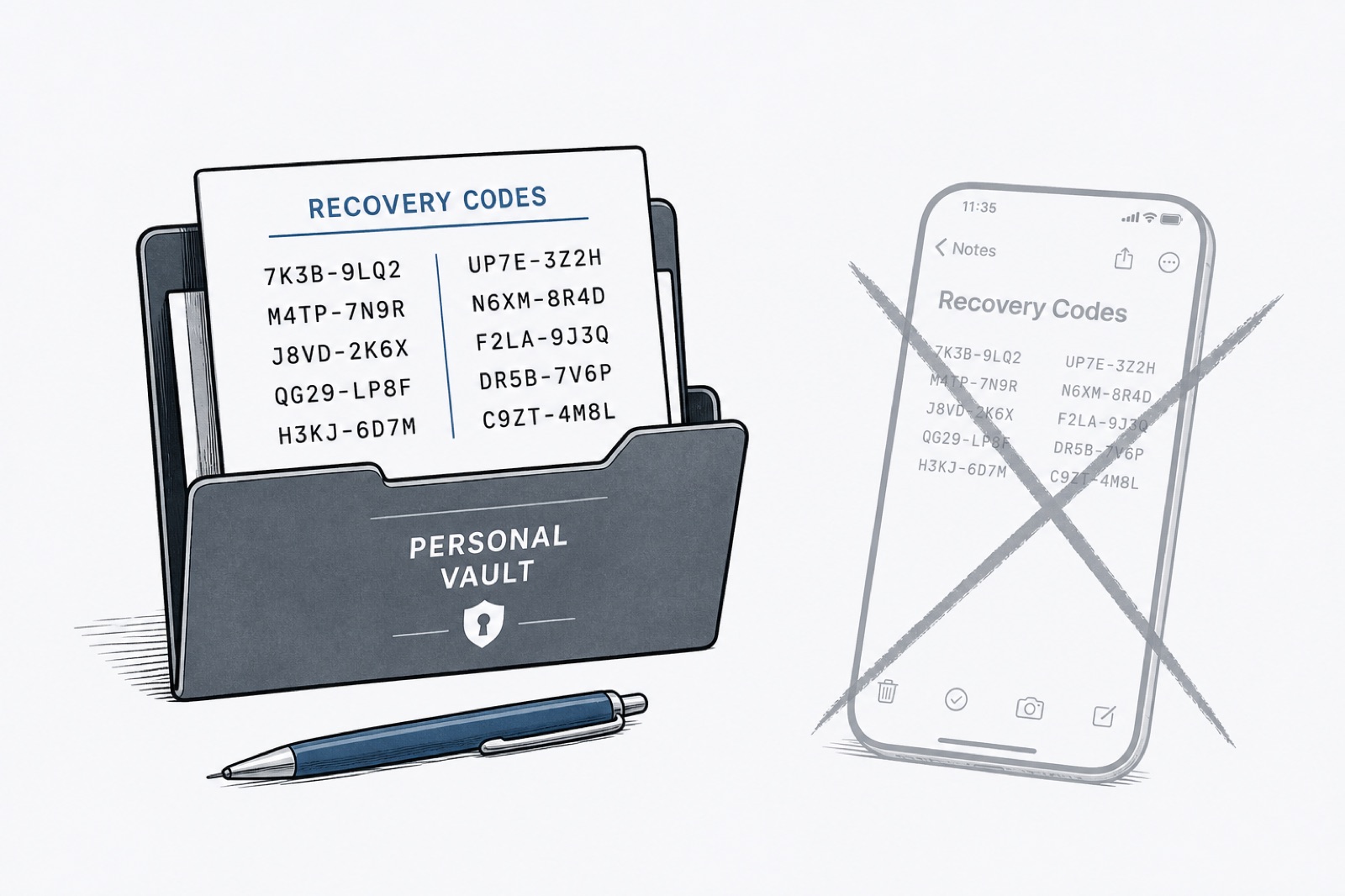
Recovery codes are the boring backup that saves you when two-factor authentication stops working. People generate them, screenshot them once, and then cannot find them when the phone dies or the authenticator app is gone.
What recovery codes are for
When you turn on an authenticator app or passkey, many services give you a short list of one-time codes. Each code is a spare key. Use one only when the normal method fails.
Bad places people put them
- A photo album titled “Screenshots”
- A notes app that also syncs to every random device
- Email drafts
- The same phone that holds the authenticator
If the phone is the thing you lost, codes stored only on that phone are not a backup.
A simple system that works
- Generate the codes when you set up two-factor authentication.
- Store them in a password manager as a secure note, labeled with the account name.
- Keep personal recovery codes in a personal vault, not a shared team space.
- If a service lets you download a file, store that file in the same note or attach it there.
- After you use a code, mark it used or generate a fresh set if the service allows it.
Household tip
For accounts that matter to more than one person — banking, email, Apple ID, Google — make sure at least one trusted person can reach the recovery path without guessing. That does not mean pasting codes into a group chat. It means shared emergency access you can revoke.
Explore how StrideAuth works for individuals.
StrideAuth helps individuals, families, and small teams store, share, and revoke passwords and related credentials in one place.
Create your free vault