 StrideAuth
How to share household logins (Wi-Fi, streaming, utilities)
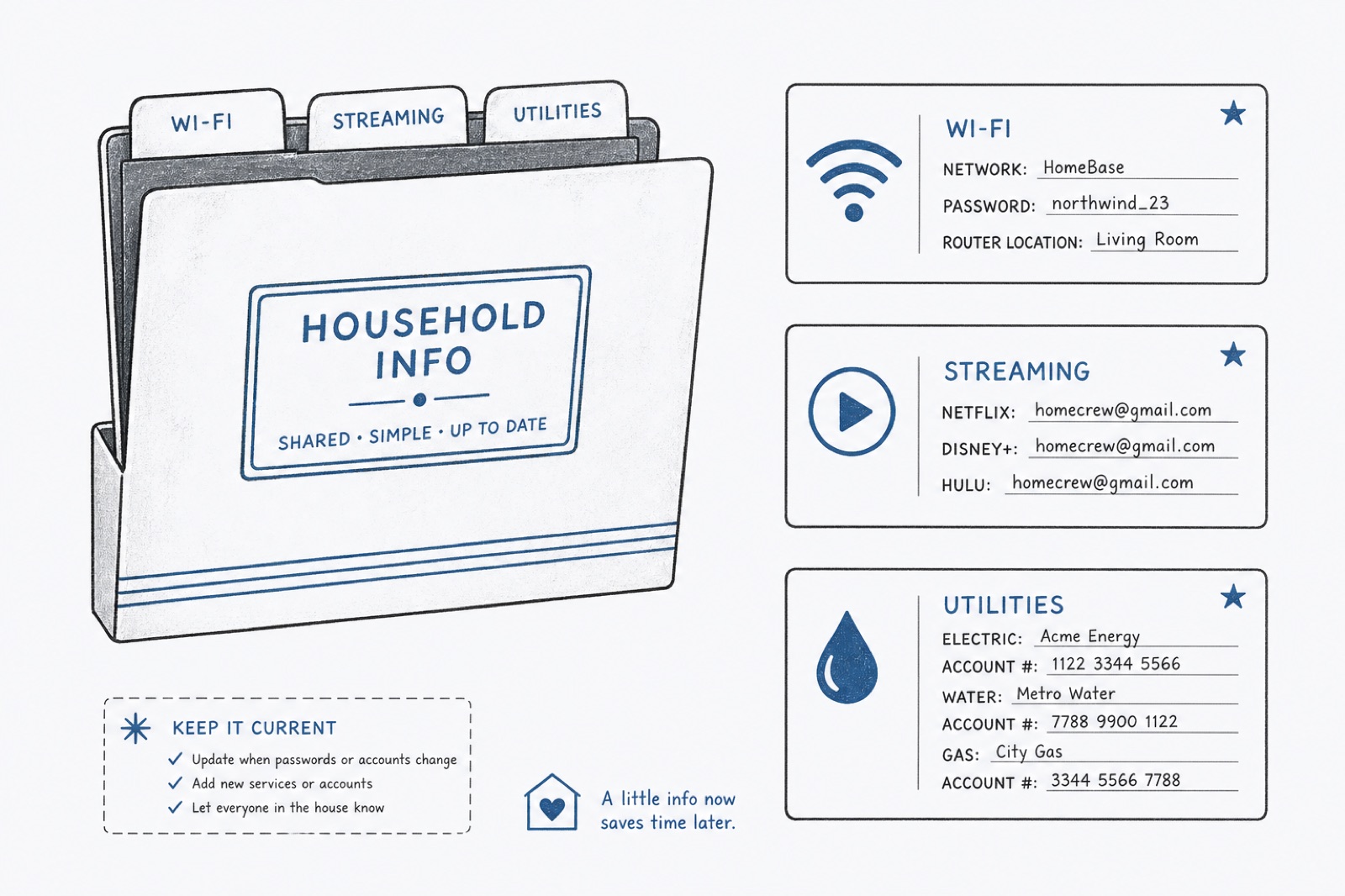
Most homes end up with one person who “knows the passwords.” Wi-Fi lives on a router sticker. Streaming lives in someone’s head. The utility portal lives in an old email. When that person is traveling, asleep, or moving out, everyone else is stuck.
Make a short household list
Start with the accounts people actually ask for:
- Wi-Fi
- Streaming services
- Smart home apps
- Utilities and rent portals
- Shared grocery or delivery accounts
You do not need every login in the universe. You need the ones that create Friday-night frustration.
Put them in one shared place
- Create a Shared space for the household.
- Add each login once, with a clear name: “Home Wi-Fi,” not “router.”
- Invite the people who should have access.
- Keep personal email and banking out of that shared space.
When someone moves out
Revoke their access first. Then change Wi-Fi and any account that was ever sent in a text. Streaming services often keep old devices signed in until you sign them out in account settings — do that too.
A rule worth writing down
Shared household passwords live in the shared vault. Personal passwords stay personal. If an account is both — say a family email — decide which space owns it and stick to that decision.
Explore how StrideAuth works for families.
StrideAuth helps individuals, families, and small teams store, share, and revoke passwords and related credentials in one place.
Create your free vault