 StrideAuth
Password manager for families: what actually gets shared
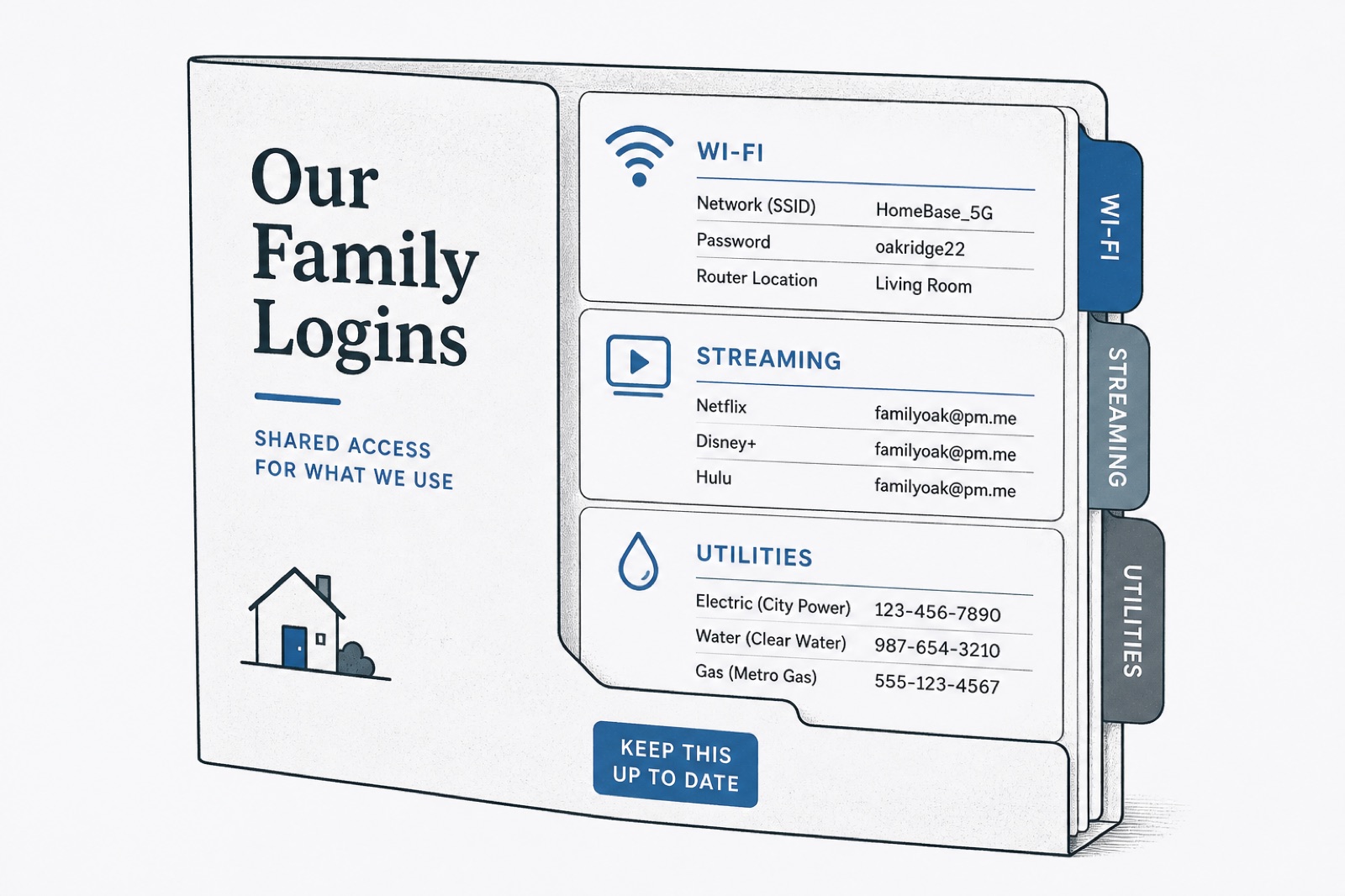
“Password manager for families” sounds like a product category. Living with it is simpler: which logins does more than one person need, and which belong to one person alone?
Most households already share credentials. They just do it through the person who “knows the Wi-Fi,” a note on the fridge, or a text from two apartments ago. A family password manager is useful when it replaces that improvisation without turning home life into an IT project.
What usually belongs in a shared family space
- Wi-Fi and the router login
- Streaming and household subscriptions
- Utilities, rent portals, and school portals when they are truly shared
- Smart home apps the whole house uses
- Shared grocery or delivery accounts
These are the accounts that create frustration on a Friday night. They are also the accounts strangers or former roommates should not keep forever.
What should stay personal
- Personal email
- Banking and credit cards
- Work accounts
- Private health or identity material unless you have a deliberate emergency plan
Mixing personal banking into a household vault is how a shared Netflix problem becomes a much larger problem. Separation is the feature. One product can still hold both kinds of login if the spaces are clear.
The failure mode: one person owns every password
In many homes, one adult becomes the password brain. Everyone else texts them. That works until travel, illness, a breakup, or a move. Then the house discovers it never had a system — it had a bottleneck.
Family password sharing should be intentional. Shared items live in a shared space. Personal items stay personal. When someone leaves the household, you revoke and rotate the shared ones instead of hoping they “forgot.”
Start smaller than you think
You do not need every login in the universe on day one. Move Wi-Fi, the main streaming accounts, and the utilities portal. Use those for a week. Add more when someone asks for a password that still lives in a text thread.
The goal is not a perfect inventory. The goal is a house where shared access has a home, and personal access stays personal.
Kids, partners, and temporary access
Not everyone in a household needs the same access. A teenager may need Wi-Fi and a streaming profile. A partner may need utilities. A house sitter may need Wi-Fi for a weekend. A family password manager is useful when those differences are easy to express — share specific items, not your entire personal life.
Temporary situations are where chat sharing sneaks back in. “Just text them the Wi-Fi” feels polite. It also leaves the password in their phone after they leave. Prefer vault access you can remove on Sunday night.
Emergency access without chaos
Decide ahead of time who can reach the important household logins if someone is unavailable. That is not the same as sharing every personal account. It is a short list with a clear owner and a clear backup.
Explore how StrideAuth works for families.
StrideAuth is a credential manager for individuals, families, and small teams — store, share, and revoke passwords in one place.
Create your free vault