 StrideAuth
Why shared passwords end up in group chats
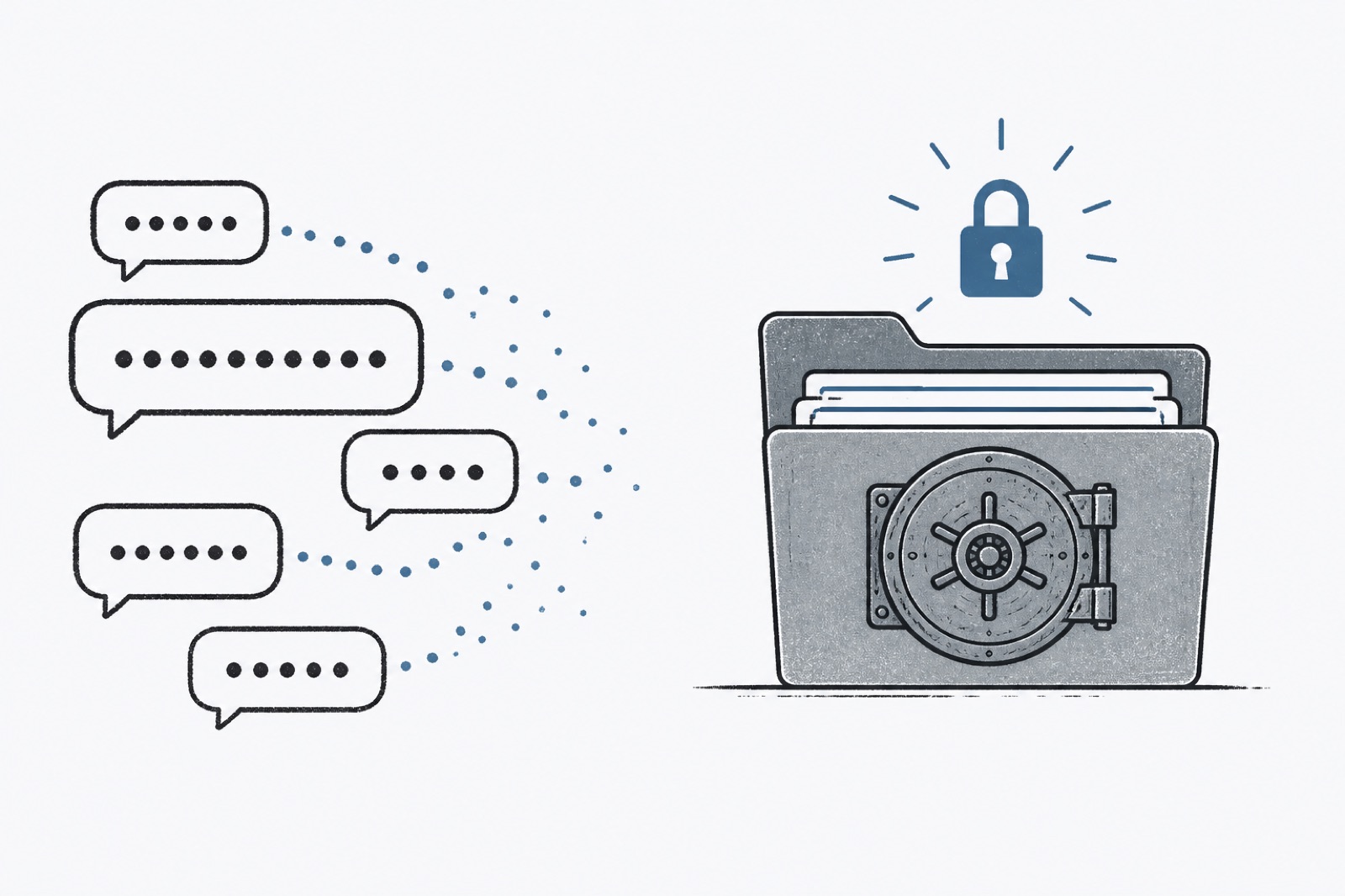
Ask a small team how they share a login and you will hear the same answer more often than anyone admits: they paste it into a chat. Text, WhatsApp, Slack, email — the tool changes. The habit does not.
That is not laziness. Chat is already open. The person who needs the password is already in the thread. A vault feels like another app when the deadline is “now.” So the password goes into the place where the conversation already lives.
Chat wins on speed, loses on memory
A pasted password solves the next five minutes. It creates a permanent copy in a place nobody will audit. Threads get forwarded. Screenshots get taken. New people join the channel months later and scroll past the secret without anyone noticing.
When the password finally changes, the old one still sits in history. When someone leaves, nobody is sure who still has it. The chat made sharing easy. It made cleanup almost impossible.
Households do the same thing with Wi-Fi and streaming. A roommate asks once. The reply sits in the group thread forever. Years later the password is still “the one from that text,” even after three people have moved out.
Why “just delete the message” fails
Deleting a message does not delete every copy. Phones back up. Laptops sync. Someone may have forwarded the password into another thread “so I don’t lose it.” The original sender cannot see that second copy.
Even when everyone means well, chat history is not a credential system. It has no owner list, no revoke button, and no way to confirm the current password is the only password in circulation.
What “send a password securely” should mean
People search for ways to send a password securely and often land on temporary links or encrypted notes. Those can be better than a raw paste. They still miss the real requirement for shared access: someone needs the login tomorrow, and next month, and you need to take it back when they should not have it.
Secure sharing is not a clever way to encrypt a text message. It is giving someone access you can revoke. The message can say where to look. The vault holds the secret.
A better default for teams and households
Put shared logins in a shared space. Invite the people who need them. Revoke when they should not have them. Keep personal passwords out of that space.
The chat can still coordinate — “I shared the shipping login with you” is a fine message. It just stops being the filing cabinet. If a password was ever pasted in plain text, move it into the vault and change it. Treat the chat copy as burned.
Once that becomes the ordinary path, people stop arguing about security culture. They stop needing a lecture. The fast path and the safe path are the same path.
What this looks like in a real week
Monday: someone needs the shipping login. It goes into Slack. Tuesday: a contractor asks for the same login and gets a forward of Monday’s message. Wednesday: the password is changed after a scare, and two people still try the old one from chat history. Friday: the founder is asked who has access. Nobody can answer cleanly.
None of those steps required bad intent. They required a system that made paste the path of least resistance. Change the default and the week looks different: share in the vault, mention it in chat, revoke when the contractor’s week ends.
If you only change one habit
Stop putting new shared passwords into chat starting today. Move the ones you still rely on into a shared space this week. Change any password that already leaked into a thread. That single habit shift covers most of the damage this pattern causes.
StrideAuth is a credential manager for individuals, families, and small teams — store, share, and revoke passwords in one place.
Create your free vault